
New: Plant Doctor 2.0 — instant AI diagnosis for any plant.
Arviron
Frequently Asked Questions

How Can We Help You?

Find answers to the most common questions about Arviron's AI-powered plant care platform, from scans and care routines to subscriptions and account security.

Find Answers Instantly

Search for topics related to plant care, AI tools, subscriptions, or your account.

General Questions

What is Arviron?

Arviron is an AI-powered plant care platform that helps identify plants, diagnose common problems, and organize personalized care routines.

Who can use Arviron?

Anyone caring for plants can use Arviron, from first-time indoor plant owners to experienced gardeners and collectors.

Is Arviron free to use?

Arviron includes a free starting plan, with paid upgrades for higher usage limits and advanced AI plant care features.

Do I need gardening experience?

No. Arviron explains care steps in simple language so beginners can act confidently and experienced growers can move faster.

AI Features

How does AI Plant Identifier work?

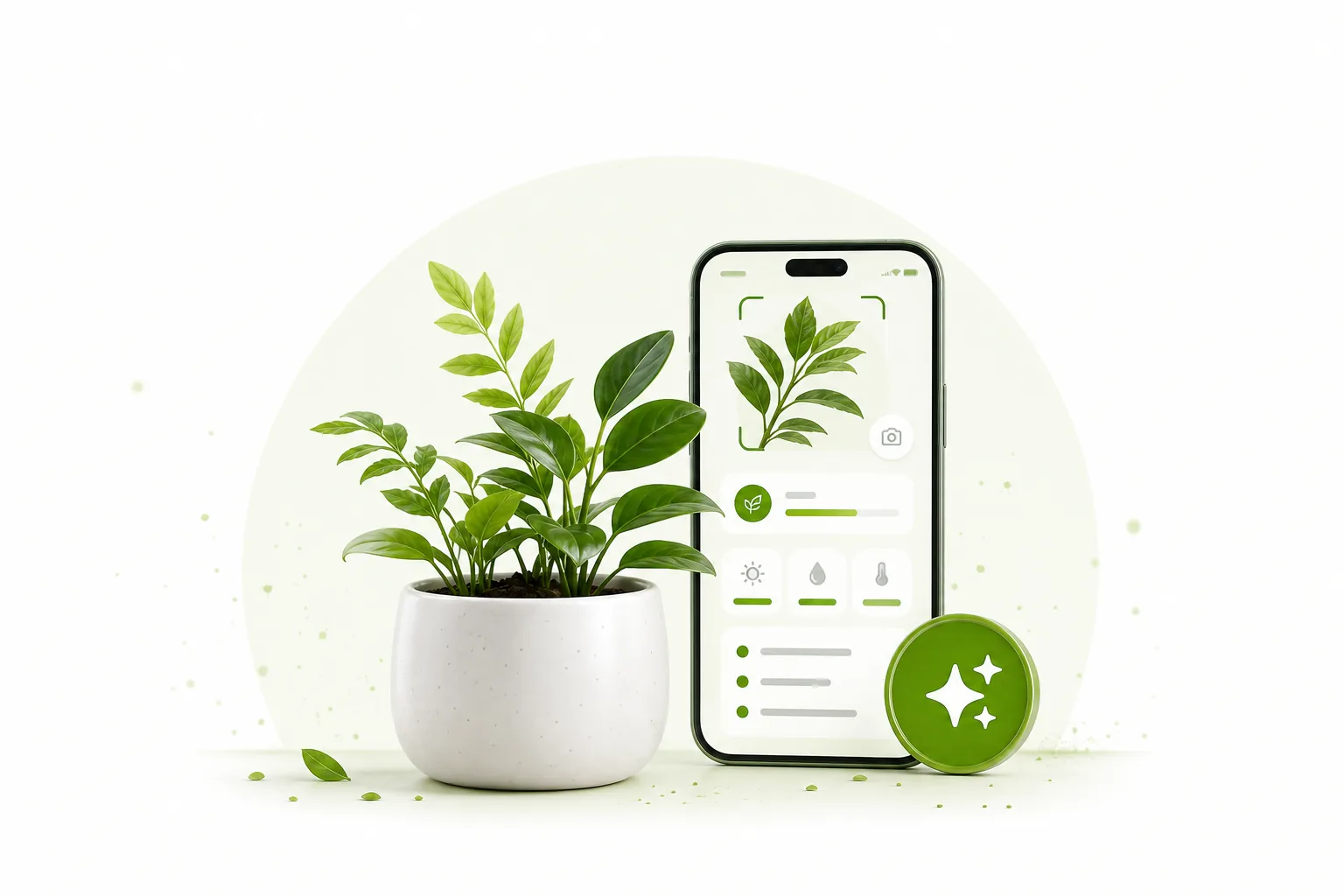
Upload or capture a clear plant photo, and Arviron analyzes visible features such as leaves, shape, and growth pattern to suggest the most likely match.

How accurate are the AI results?

Accuracy depends on image quality, lighting, and plant visibility. Arviron gives best results with clear, well-lit photos of leaves, stems, flowers, or the whole plant.

Can AI detect plant diseases?

Yes. Arviron can look for visible signs of common disease, stress, and nutrient issues, then provide practical next steps.

Can AI detect pests?

Arviron can help flag visible pest symptoms and likely pest types when the uploaded photo clearly shows the affected area.

Plant Care

How often should I water my plants?

Watering depends on the plant type, pot size, season, soil, and light. Arviron uses your plant profile to suggest a care rhythm you can adjust over time.

How do I know if my plant needs more sunlight?

Look for stretched growth, pale leaves, slow growth, or leaning toward a window. Arviron can help compare symptoms against common light issues.

Can Arviron recommend fertilizers?

Yes. Arviron can suggest general feeding guidance based on plant type, growth stage, season, and visible plant condition.

Can I track my plant's growth?

Yes. You can keep plant profiles, log care activity, and follow progress over time.

Plant Library

What can I find in the Plant Library?

The Plant Library includes care guidance, plant details, watering notes, light preferences, and practical tips for common houseplants and garden plants.

Can I search for a specific plant?

Yes. You can search by plant name or use plant identification to discover the right guide more quickly.

Is the Plant Library updated regularly?

Yes. New plant profiles, care notes, and common issue guides are added as the platform improves.

Account & Subscription

Do I need an account to use Arviron?

You can browse basic information without an account, but saving plants, scans, reminders, and subscription settings requires signing in.

Can I manage multiple plants?

Yes. Arviron is designed so you can keep separate profiles for your indoor plants, outdoor plants, herbs, succulents, and garden areas.

Can I upgrade my plan later?

Yes. You can start free and upgrade when you need more scans, advanced AI tools, or expanded care management.

Can I cancel my subscription?

Yes. Subscription cancellation can be managed from your account or through the support team if you need help.

Privacy & Security

Is my personal information secure?

Arviron is built with privacy-conscious account handling and secure data practices for personal information.

Are my uploaded plant photos stored safely?

Uploaded plant photos are handled as part of your account experience and used to provide plant identification and care guidance.

Will Arviron share my personal data?

Arviron does not sell your personal data. Details about data use are covered in the Privacy Policy.

Technical Support

Which devices are supported?

Arviron is designed for modern mobile and desktop browsers. For best results, use an up-to-date browser with camera or photo-upload access enabled.

What image quality is recommended?

Use clear, well-lit photos with the plant in focus. Include leaves, stems, flowers, or the affected area when asking for diagnosis.

What should I do if AI cannot identify my plant?

Try another photo from a different angle, move closer to the leaves or flowers, and avoid shadows or cluttered backgrounds.

How can I contact support?

Use the contact page to reach the Arviron support team for help with your account, plant scans, billing, or technical questions.

Still Have Questions?

We're Here to Help

Can't find the answer you're looking for? Our support team is ready to assist with plant care, AI tools, billing, and account questions.